When RFID pays off more than a barcode, and when it doesn't
Autor: Natalia Vyvial ·
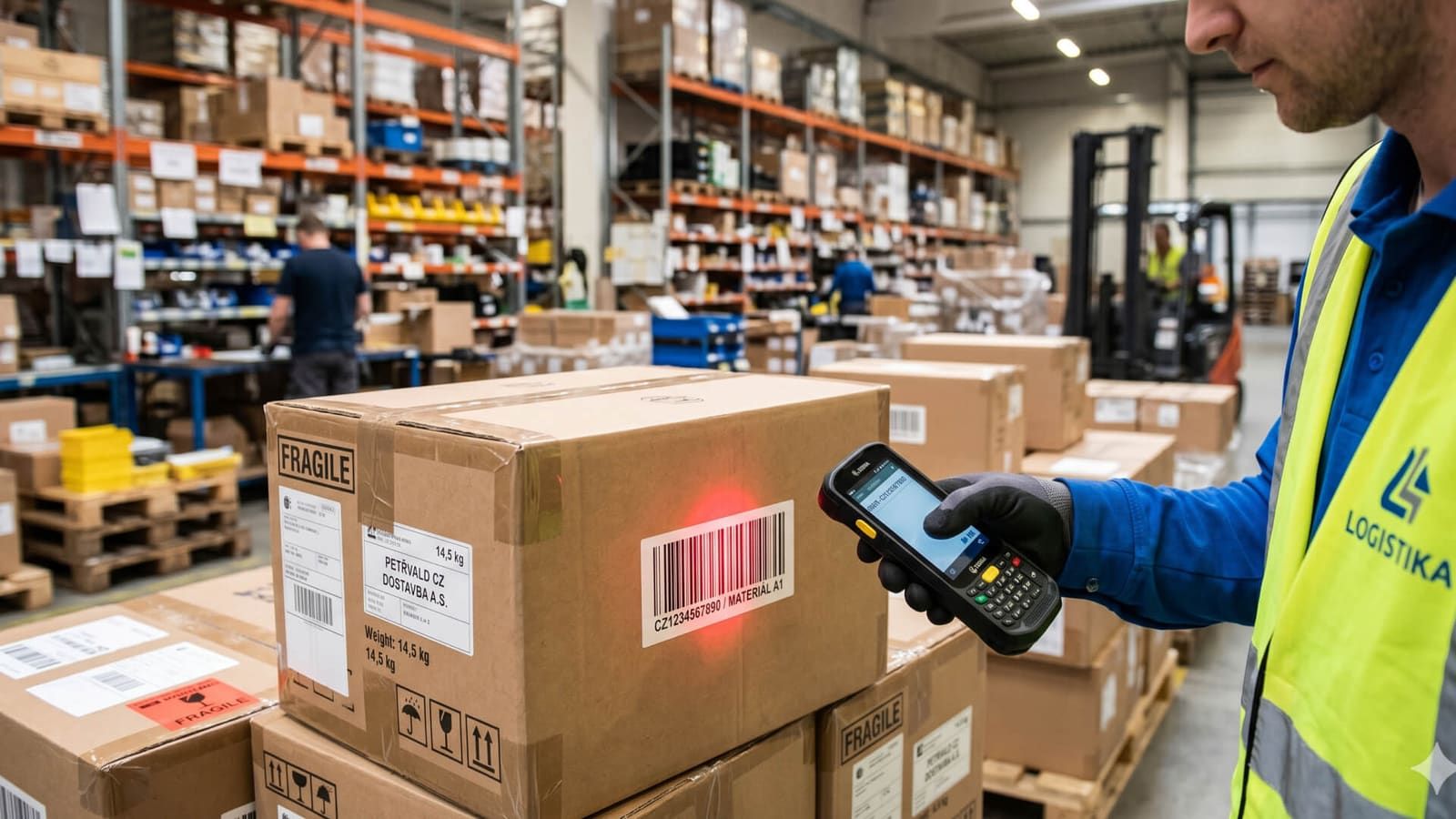
RFID reads tagged assets in bulk and without line of sight; a barcode reads them one at a time and only within sight. The cost, however, runs the other way round: a barcode is printed practically for free, whereas an RFID tag has to be bought, attached and paired with the register by someone. So the decision depends on your operation, not on the technology.
What does RFID actually change?
One thing, and everything else follows from it: it reads in bulk and without line of sight. A barcode needs someone to aim at it, and it is read one at a time. An RFID tag responds to a reader from a distance of up to several metres, depending on the tag type and the environment, so a room can be covered in a single walk-through instead of being checked item by item.
So the difference lies in the work, not in the technology, and it only shows where there is enough of that work. The more items there are and the more places they are scattered across, the larger the share of a stocktake taken up by walking around and pointing the scanner at individual tags. That is exactly the part bulk reading removes, and nothing else.
When is a barcode enough?
More often than you might expect. A barcode or QR code is printed practically for free on an ordinary printer and can be read even by a regular phone, so there is no need to buy scanners or procure tags. It pays off in four situations:
- There are few items and they are in one place. With a few hundred easily accessible items on a single floor, the saving is small; the same number scattered across dozens of rooms, however, is an entirely different task.
- Each item is handled individually anyway. If a warehouse worker picks up every piece, scanning the code adds about a second of work.
- Assets stay put and their location is known. Bulk reading saves the most where a stocktake means going through several rooms or sites.
- Tagging would cost more than it saves over the whole period of operation. Tags are paid for once and the saving recurs with every stocktake, so what matters is the total over the years, not a single count.
That is why you can start an asset register without any RFID hardware at all. Inventarizuj offers three modes: a mobile app with manual confirmation, barcodes and QR codes, and only then a mobile RFID terminal. The modes can be combined by type of asset, so furniture can have a QR code and equipment an RFID tag. The app also works offline, which in an archive or a basement matters more than the chosen technology.
Where does RFID cost more than expected?
Not in the scanner, but in the tags and the work with them. Every item has to get its own identifier, someone has to attach it and someone has to pair it with the register. If you want to print and encode the tags yourself, you need a printer that supports RAIN RFID, which is a different device from the one used to print ordinary labels; the alternative is tags pre-encoded by the supplier.
And then there is metal, which people usually come up against only once the system is in operation. Tagging metal assets is a task of its own: it requires on-metal tags and matching print settings, because an ordinary RFID tag stuck on a metal cabinet or on a server in a rack loses both readability and range. For Zebra hardware there is a dedicated on-metal solution for the industrial range, but it is a decision made when the tagging is designed, not afterwards.
What will an audit require of you?
This is the part that stops the choice of tag from being a purely technical question. Municipalities, regions, schools, hospitals and other selected accounting entities follow Decree No. 270/2010 Coll. (opens in a new window) and the Accounting Act when taking inventory. The decree requires inventory lists with signature records, inventory committees of at least two members, an inventory report and so-called inventory identifiers, i.e. markings that unambiguously identify an asset.
The tag on an asset can itself be that identifier, so tagging for the sake of speed also takes care of this obligation. It does not have to be, though: the decree also allows a serial number or a marking from another register, and where a marking cannot be physically attached, it is attached to the accounting record (§ 9).
Just as important as how long the stocktake takes is what remains afterwards: a history of stocktakes, timestamps and an audit log that show who worked with a record and when. A paper register can meet the requirements of the decree; it is just considerably more laborious to trace history, changes and responsibility in it.
How much does it cost and how long does it take to get up and running?
For Inventarizuj the price list is public, which is not often the case with business software: an annual licence starts at CZK 990 per month excluding VAT for up to a thousand assets and three users, and costs CZK 2,990 per month for up to five thousand assets and ten users. Implementation, integration and RFID hardware are charged separately, so the licence is the smaller part of the budget if tagging has to start from scratch.
The rollout time depends mainly on the number of assets and the state of your current register. For typical rollouts the vendor quotes a matter of weeks: for towns, implementation within three weeks; for hospitals, usually within four weeks including asset tagging.
How do you decide?
Work out three numbers: how many assets you keep records of, how many times a year you actually go through them, and how often they move between rooms or sites. Only the product of those three tells you how many hours a year bulk reading saves, and that is weighed against the one-off work of tagging.
If it turns out that your stocktake is short and your assets stay put, you would be buying speed you will not use. If the opposite is true, the good news is that you can start without scanners and add RFID where it pays off. Records of stock and consumables alongside assets are handled by Asset tracking and stocktaking, and both apps are in the Digitalisation and tracking category.
Related products
- Digitalisation and tracking
Element WMS
We manage the movement of goods in the warehouse from receiving to dispatch. The system guides the warehouse worker to the location from a mobile terminal, so you know where every item is.
- Digitalisation and tracking
Krabicovka
Off-the-shelf WMS for companies with neither the time nor the budget for an implementation project. You can have a basic warehouse with goods receipt, picking and stocktaking up and running within hours.
- Digitalisation and tracking
eSCAN
Cut the cost of digitising shipments. In a single pass through the gate, eSCAN captures photo documentation and measures the shipment's dimensions and weight.