Four situations in which an off-the-shelf WMS stops being enough
Autor: Natalia Vyvial ·

A boxed WMS and a warehouse designed to measure are not two tiers of the same product. They differ in where decisions about your processes are made: with an off-the-shelf solution the decision has been made in advance, and you either fit into it or you don't. With a custom warehouse, your operation is described first and the system is built around it.
What really sets the two warehouses apart?
Not the size of the company and not the number of pallets. The difference is whether the path goods take through your warehouse can be described by a template that someone prepared in advance.
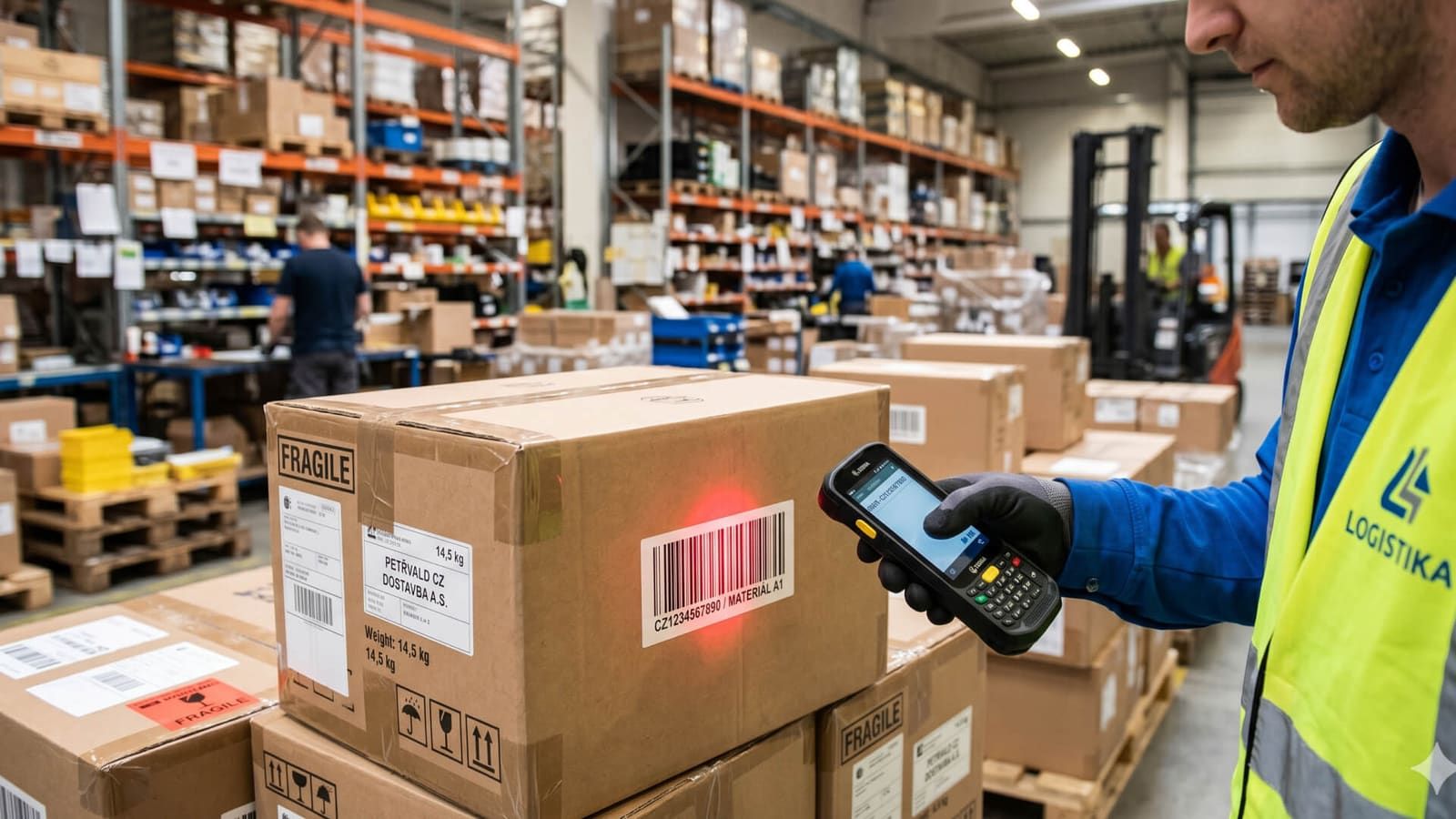
Krabicovka is a managed warehouse in a ready-made form. You set up warehouses, locations and products in it, staff log in on a mobile terminal and start working; nothing is configured from scratch. Element WMS is a warehouse designed for a specific operation, from how locations are addressed to how many steps goods-in and dispatch go through.
This also determines what awaits you at the start. You can get the basic Krabicovka licence up and running within hours, provided you have the groundwork ready, i.e. warehouses, locations and products. Element WMS starts with a consultation on your operation and a design for location addressing; it is rolled out in stages with checkpoints and launched as a pilot in part of the warehouse, and only then is the whole warehouse switched over.
What can an out-of-the-box warehouse do?
More than the word “boxed” suggests, because it is the same managed warehouse, just pre-configured. Five of its features are worth highlighting, because people do not expect them from off-the-shelf solutions:
- You can scan both ways. Scan an item and the terminal shows where it is stored. Scan a location and it shows what is on it.
- Tasks wait in a queue and have priorities, so staff know what comes next and nobody has to keep coming over to tell them.
- You can run several warehouses side by side, both physical and virtual.
- For each item you can track batches, shelf life, expiry dates, serial numbers, dimensions and photos.
- Every movement stays in the history, so it can be traced back.
What the basic licence does not include is connections to surrounding systems and reporting. Ready-made integrations with Helios, WinShop and Shoptet, communication with carriers, a REST API and custom reports are premium modules, added only when you need them. That is exactly why getting started is quick: the speed does not come from the system doing less, but from nothing having to be connected at the start.
When does the template stop being enough?
The moment your operation needs a decision that the template made differently. Four situations capture it best:
- Goods-in or dispatch has several steps: inspection and repacking on the way in, order consolidation and shipping on the way out.
- Several suppliers meet at the loading dock and you need to keep them to time slots so that three lorries do not turn up at once.
- Locations differ in load capacity, volume and dimensions, and the system should use these to suggest what fits where.
- Several people run the warehouse in shifts and the supervisor needs to change queue priorities during operation so that an urgent shipment can jump the queue.
These are not extra features you can buy as add-ons. They are decisions about how your warehouse works, and they are made before building starts. A goods-in calendar or addressing based on rack load capacity is not a switch in the settings; it is the design of your operation.
| Krabicovka | Element WMS | |
|---|---|---|
| Getting started | A matter of hours with the basic licence | Consultation, addressing design, staged rollout, pilot in part of the warehouse |
| Processes | From a ready-made template | Designed for your operation |
| Connections to other systems | Premium module: Helios, WinShop, Shoptet, carriers, REST API | Part of the design, via the Element platform's REST API |
| Price | Licence: base plus modules | Depends on scope, quoted after a consultation on your operation |
| Best suited to | Companies that want a managed warehouse without an implementation project | Warehouses run by several people in shifts |
Can you start with an off-the-shelf warehouse and switch later?
To an extent, yes, and it pays to know where the limit lies. Krabicovka grows with premium modules: multi-step goods-in and picking, label printing for handling units, priorities and rescheduling, integrations, a REST API and custom reports. The leap a module cannot make is a change in how the warehouse is addressed and how goods flow through it. Switching, however, is not a leap into another world: Element WMS is built on our Element platform, so connections to the ERP, the online shop and carriers run through the same open interface.
How can you tell which group you belong to?
Try describing the journey of a single pallet from the gate to dispatch and count the points at which someone decides something: where the goods are put away, who checks them, what determines that they are selected for picking, who confirms dispatch.
If you end up with a straight line and the decisions can be counted on the fingers of one hand, an off-the-shelf warehouse will be enough and you will be working in it this very week. If the path branches by type of goods, by supplier or by shift, only part of your operation fits into the template and people start working around the system for the rest. That is the point at which it pays to have the warehouse designed. You will find both solutions in the Digitalisation and tracking category, alongside asset tracking and stocktaking.
Related products
- Digitalisation and tracking
Element WMS
We manage the movement of goods in the warehouse from receiving to dispatch. The system guides the warehouse worker to the location from a mobile terminal, so you know where every item is.
- Digitalisation and tracking
Krabicovka
Off-the-shelf WMS for companies with neither the time nor the budget for an implementation project. You can have a basic warehouse with goods receipt, picking and stocktaking up and running within hours.
- Digitalisation and tracking
eSCAN
Cut the cost of digitising shipments. In a single pass through the gate, eSCAN captures photo documentation and measures the shipment's dimensions and weight.