NEXTERA tech
Inventarizuj
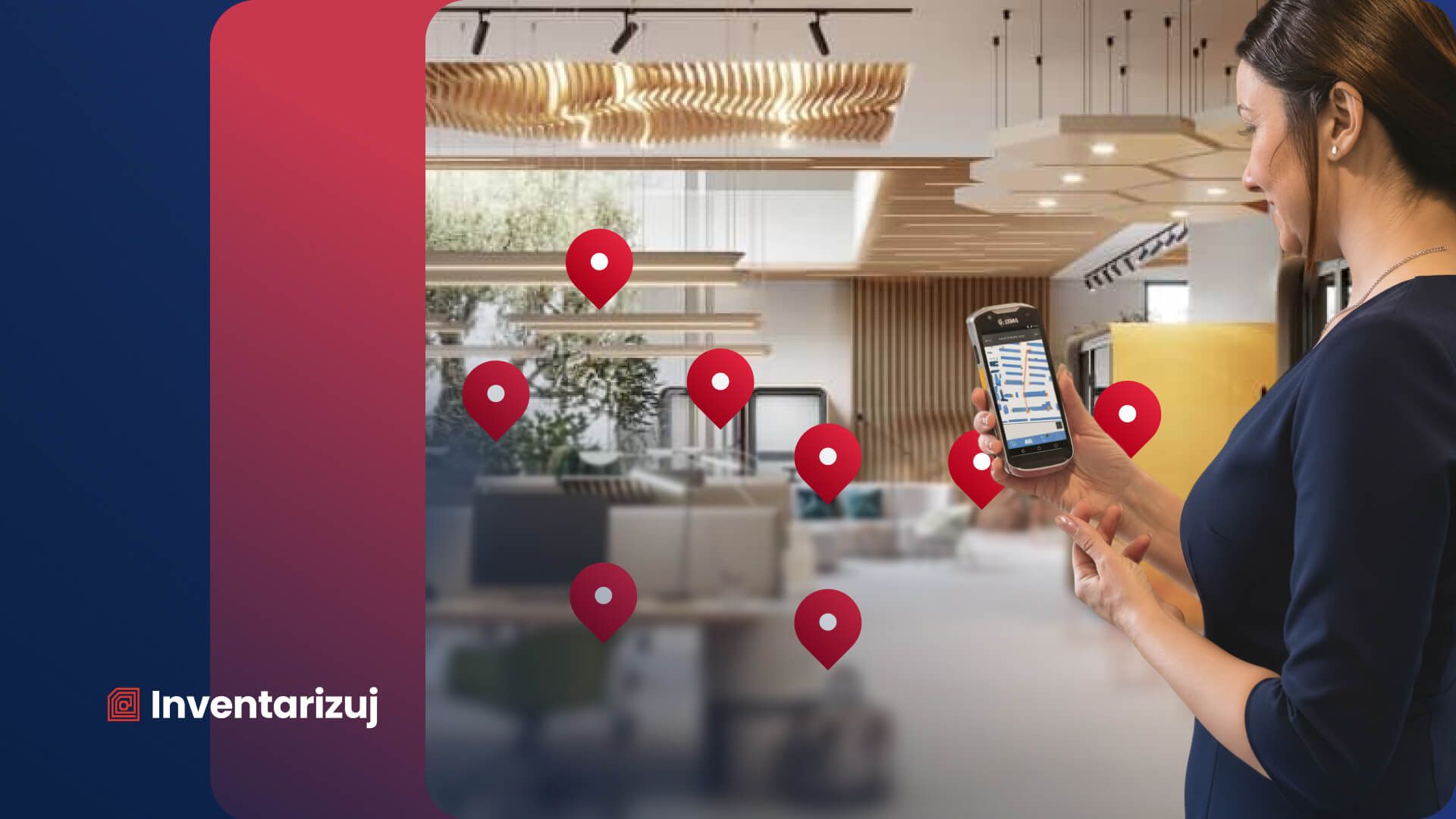
Asset stocktaking via RFID, in bulk and without paper. Staff read tagged assets in one walk-through and the system shows the differences at once.
Inventarizuj at a glance
Product sheet- What it is for
Asset stocktaking and register · RFID
- Who it is for
Organisations with a large number of assets or several sites: municipalities and towns, regions, schools, hospitals, publicly funded organisations and companies.
- Where it runs
In the cloud, in a web browser, in a mobile app and on terminals
- How it is paid for
Subscription for use. The price list is public: the annual licence starts at CZK 990 per month excl. VAT for up to 1,000 assets and 3 users, CZK 2,990 per month for up to 5,000 assets and 10 users, with larger scopes priced individually. Implementation, integration and RFID hardware are charged separately.
See what it looks like in practice
One walk through the room instead of checking item by item
RFID makes it possible to read several tagged items at once without a direct line of sight. Depending on the tag type and the environment, the scanner can work at a distance of up to several metres, so there is no need to go up to each asset separately. Conventional stocktaking, by contrast, relies on writing down every item by hand and copying it into the system.
The results synchronise to the portal, where they can be compared immediately with the recorded state. Found and missing items, the stocktaking history, the audit trail and export reports are all available.
Three modes, depending on how you want to do stocktaking
You can start without special hardware, using only the mobile app. In it, staff see the assets they are supposed to find at a given location and confirm the items found directly on the phone. This is the mode for smaller municipalities, schools and publicly funded organisations.
The second option is barcodes or QR codes. For the fastest bulk stocktaking you can use a mobile RFID terminal, which reads several tagged items in a single walk through a room. The methods can be combined depending on the type of assets, the environment and the budget.
The portal holds the register, the app fills it
The web portal serves as the central asset register, with stocktaking history, an audit log, exports, user and permission management and overview dashboards.
The Android mobile app supports RFID, barcodes and QR codes as well as manual entry, and also works offline. Right at the item you can, for example, add a photo or propose its disposal, relocation or a change of the responsible person. Once the connection is restored, the data synchronises with the portal. An iOS version is planned.
Ready for inspection and audit
Inventarizuj supports keeping the records and documentation required for asset stocktaking under Czech accounting regulations. The stocktaking history, timestamps and audit log make it possible to trace who worked with a record, when and how, and access rights can be set in detail.
In healthcare, this documentation can also be used to prepare for internal audits or accreditation, for example under SAK or JCI. The system runs in the cloud with data stored in the Czech Republic, TLS 1.3 encrypted transfer, regular backups and 99.9% service availability under the SLA.
Recommended RFID hardware from Zebra
For mobile stocktaking you can use, for example, the Zebra TC22R, which combines a mobile computer, RFID and barcode reading in one device. Other supported scanners can be chosen depending on the scope and the way you work.
To print and encode RFID tags yourself, you can use compatible Zebra desktop or industrial printers with RAIN RFID support, such as the ZD621R or the ZT411 RFID. The organisation can then create new asset identifiers as and when needed.
Tagging metal assets is a separate task: it requires on-metal tags and suitable print settings, for which Zebra offers its own on-metal solution for the industrial ZT400 series. We choose the specific combination of tag and printer according to what the tag has to stick to.
What NEXTERA tech states about Inventarizuj
How we get it running for you
Four steps to your first stocktake
We prepare the register and integrations
We organise the assets by organisation, building, room or responsible person and, if needed, prepare a connection to the system in which you keep your register today.
We tag the assets
Each item gets a suitable identifier: an RFID tag, a barcode or a QR code. Part of the existing labelling can also be reused. The scope of work depends on the number of assets and the current state of the register.
We train your staff
We show staff how to work with the mobile app, the RFID scanner and the web portal, and go through the whole stocktaking procedure on real assets.
You carry out the first stocktake
Staff go through the individual rooms, the results synchronise to the portal and the system compares them with the recorded state. The differences, the audit trail and the required exports are available.
What you get
Asset stocktaking in bulk, not item by item
You can start without RFID hardware, the app works offline, records an audit trail and the data stays in the Czech Republic.
Whole rooms counted in minutes
RFID reads tagged assets in bulk without having to aim at each tag separately. Compared with checking item by item, stocktaking can therefore take significantly less time.
Start without RFID hardware
For a smaller scope you can use just the mobile app, manual entry or barcodes and QR codes. RFID scanners can be added later where their speed brings the greatest benefit.
Automatic audit trail
The system records the user, the time and the changes made. There is no need to piece the history together afterwards from paper notes and separate spreadsheets.
Stocktaking even without a connection
The mobile app also works offline. Stocktaking can be done in archives, warehouses or other places without a reliable signal, and the data synchronises once the connection is restored.
Connection to your existing register
Depending on the project, Inventarizuj can be connected to Gordic GINIS, SAP or Helios, for example, prepare exports for CSÚIS or link user management to Active Directory.
Data stored in the Czech Republic
Cloud data is stored in a data centre in the Czech Republic. Transfers are encrypted with TLS 1.3, the system backs up data regularly and operation is governed by the agreed SLA.
Integrace
Integration with your systems
Gordic GINIS
Connection tailored to the specific project.
CSÚIS
Export preparation.
SAP
Connection tailored to the specific project.
Helios
Connection tailored to the specific project.
Active Directory
User management integration.
Frequently asked questions
All questions and answersNo. Inventarizuj can also be used on an ordinary Android phone, with manual entry or barcodes and QR codes. RFID hardware can be added later if you want to read larger numbers of assets in bulk.
Yes. The mobile app supports offline mode. Stocktaking can be done without Wi-Fi or mobile data and the results synchronise once you reconnect, so nothing gets lost in a basement or an archive.
Yes. The system keeps the stocktaking history, an audit log and information on the changes made, and produces exports for the accounts department and for inspections: the documentation that the Czech Accounting Act (563/1991 Coll.) and the Decree on stocktaking of assets and liabilities (270/2010 Coll.) require for stocktaking.
Yes. Under the service's terms of operation, Inventarizuj cloud data is stored in data centres in the Czech Republic. Data transfer is encrypted with TLS 1.3 and backups are made several times a day.
The time depends mainly on the number of assets, the current state of the register, the integrations needed and the scope of tagging. For typical rollouts Inventarizuj states a few weeks: for towns, for example, implementation within three weeks, and for hospitals typically within four weeks including asset tagging.
Interested in Inventarizuj?
- Ozveme se vám a probereme, co potřebujete a co už máte
- Z rozhovoru vzejde návrh řešení a cena
- Poptávka vás k ničemu nezavazuje
Similar products
- Hardware
- Digitalisation and tracking
Zebra hardware
Zebra hardware for automatic identification, data capture and RFID: mobile terminals, label printers, code scanners, RFID readers, tablets and consumables.
- Digitalisation and tracking
Element WMS
We manage the movement of goods in the warehouse from receiving to dispatch. The system guides the warehouse worker to the location from a mobile terminal, so you know where every item is.
- Digitalisation and tracking
Krabicovka
Off-the-shelf WMS for companies with neither the time nor the budget for an implementation project. You can have a basic warehouse with goods receipt, picking and stocktaking up and running within hours.